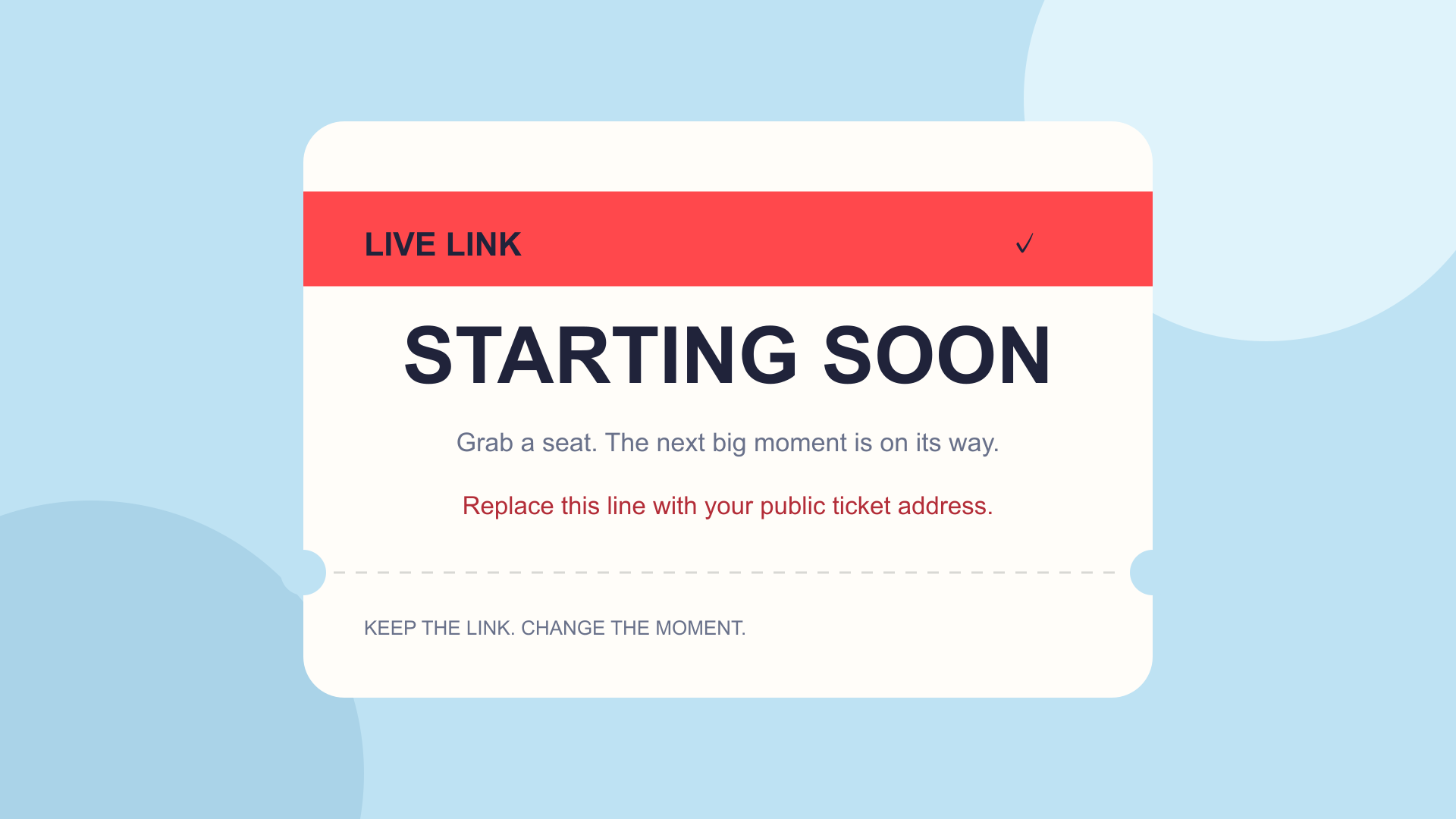
Starting-soon scene
1920 × 1080. Add your public ticket address; keep private editing keys out.
THE FREE ALIVE KIT / OPEN. PREPARE. CREATE.
Official downloads, a rehearsal plan and artwork you can make your own. Your streaming platform runs the broadcast; Tick gives your fans the ticket.
Free, open-source recording and streaming software. Choose the official installer for your operating system.
Open official resource ↗Sign in to your own channel for its live controls. Platform eligibility and stream setup apply.
Open official resource ↗Open your own dashboard for streaming controls. Authentication happens on Twitch.
Open official resource ↗The official setup guide for scenes, sources, audio and a local recording test.
Open official resource ↗Check the current streaming methods and platform requirements before going live.
Open official resource ↗Official lessons on going live and preparing your channel.
Open official resource ↗FREE ORIGINAL TICK TEMPLATES
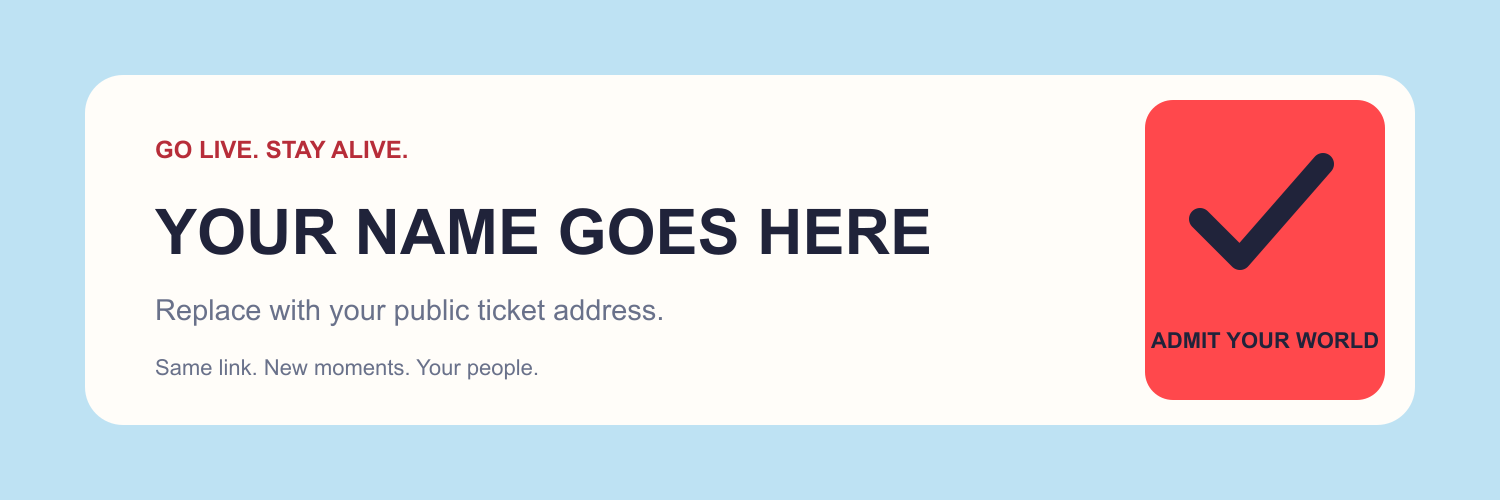
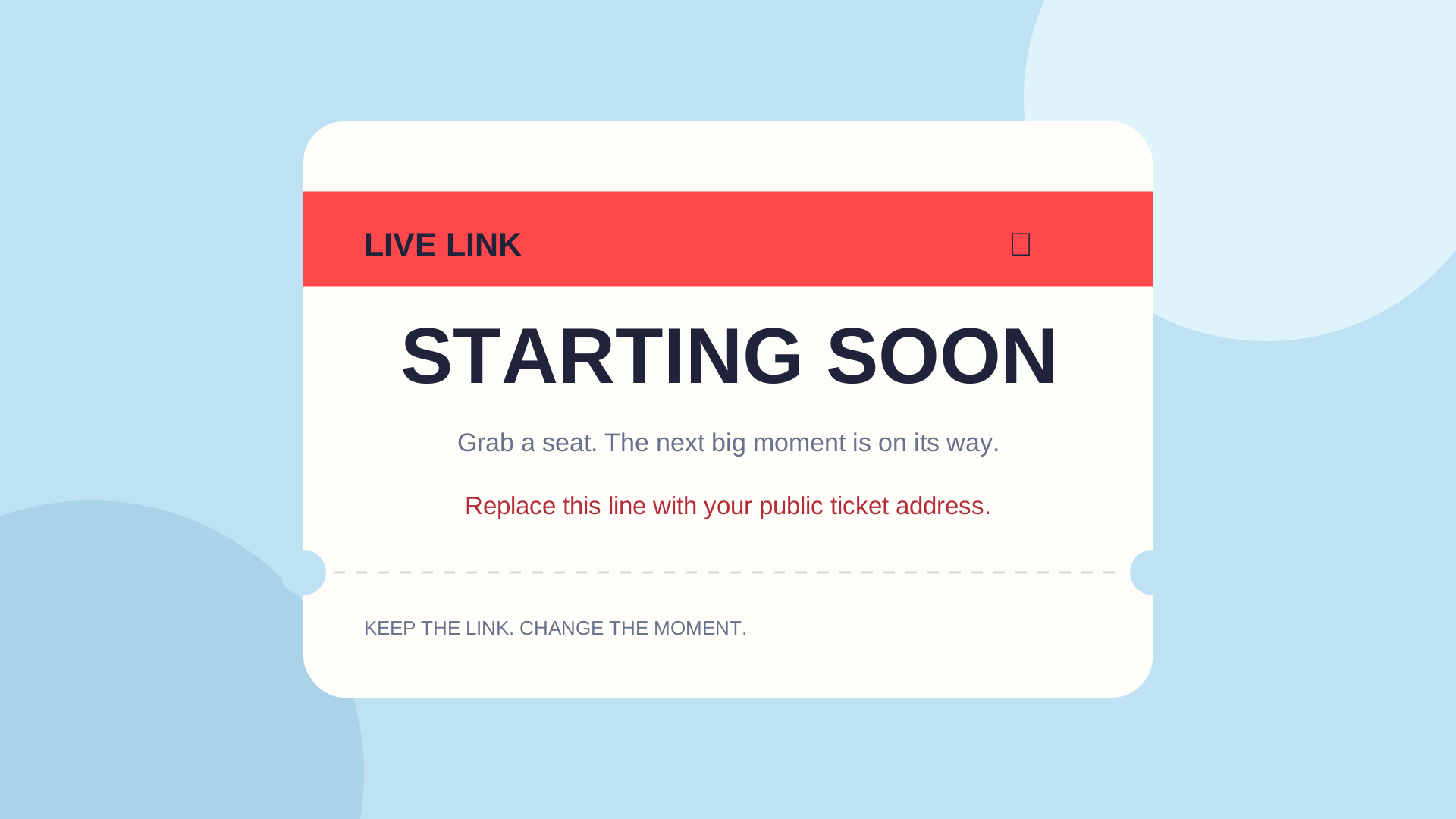
Edit the SVG’s placeholder name and public address, then export it in your design app. Use the PNG after editing your own version. These are downloadable templates, not a live banner editor.
1920 × 1080. Add your public ticket address; keep private editing keys out.
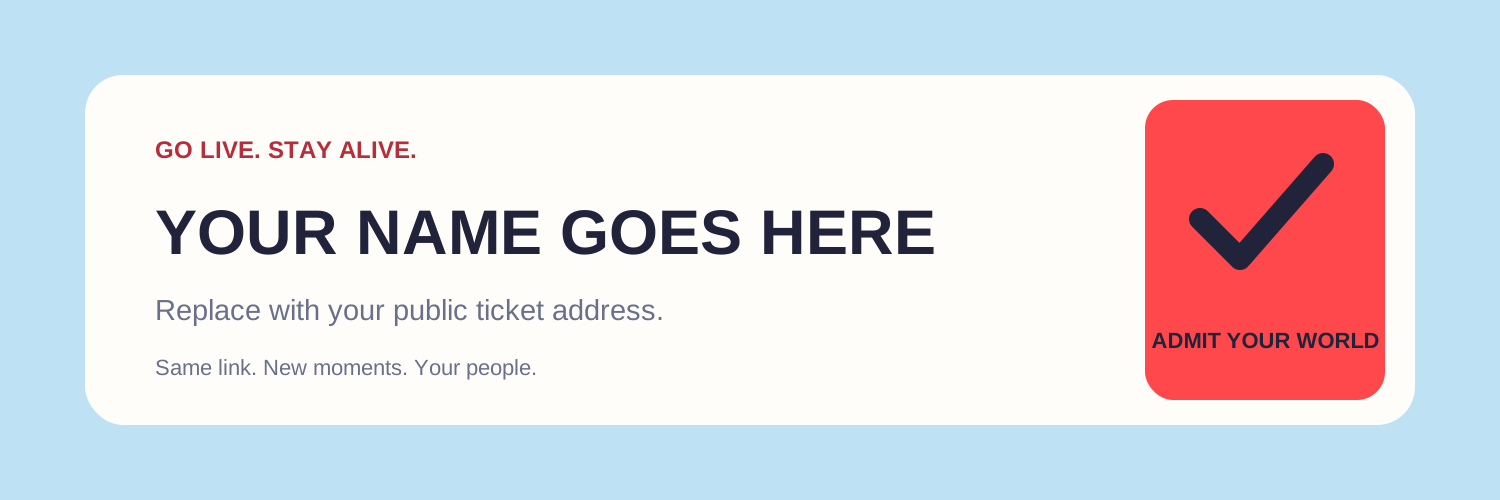
1500 × 500. A simple banner for your public profile or channel.
Original templates are free to customize for your personal or commercial creator work. They include no third-party music or platform logos.
Record a short test. Listen to it. Check your capture for private windows, stream keys and messages. Set a clear lobby message, save your ticket, then verify the public link from another device. Invite fans to subscribe without adding people to a commercial list.